Iowa & Reading Assistant
Accelerating Reading Growth in Your District
Reading Assistant, an AI-powered reading tutor, helps students build fluency with real-time feedback while giving educators actionable insights. See how Reading Assistant can make an even bigger impact in your classrooms.
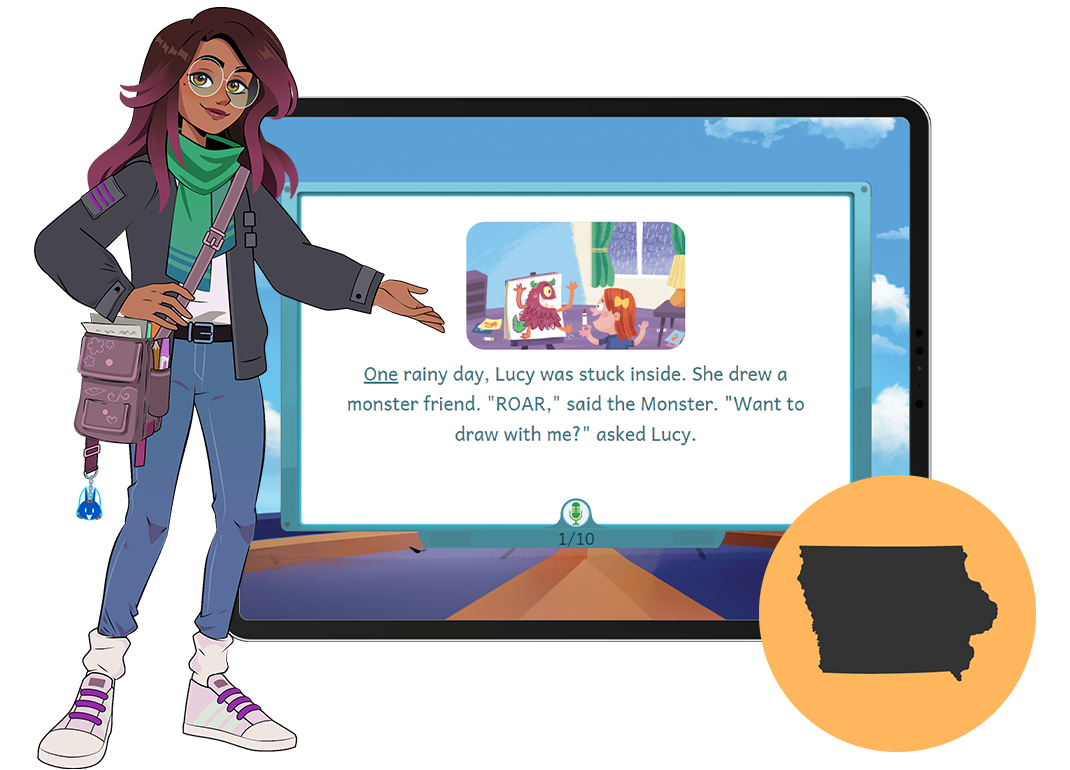
“As for the students, they loved it when I would play back their stories for them to listen to. How often do students get to hear themselves read? Listening to their stories together turned into a great teaching moment.”
— Julie Ravlin, Second Grade Teacher, Riverside Community School District
“When comparing between our BOY and MOY assessments by grade level, I can see growth in a very short amount of time [with Reading Assistant].”
— Special Education Teacher, New London CSD
How EPS Reading Assistant Works
Students interact with Reading Assistant in four easy steps:

CHOOSE A STORY from our extensive collection of appropriately challenging and engaging fiction and non-fiction texts.

READ OUT LOUD at their own pace as Reading Assistant “listens” and assesses how well they are reading and progressing.

ACCESS TUTORING when they encounter difficulties or make mistakes. Reading Assistant provides corrective feedback in the moment.

CELEBRATE GROWTH when they complete a story. Reading Assistant lets students know how they did and celebrates their progress.
ROBUST REPORTING FOR TEACHERS: Immediate reporting provides educators with detailed data, progress reports, and resources tailored to support each student.
Ready to bring Reading Assistant to your classroom?
Implementation Made Simple
Whether you’re an administrator, teacher, or family member supporting a student, we’ve curated resources to make Reading Assistant easy to launch and sustain throughout the year.
Getting Started with Reading Assistant
This webinar walks you through everything you need to know to get started with EPS Reading Assistant. Whether you’re an experienced user or just beginning, discover how to set up Reading Assistant in your classroom, solve common problems, understand the program’s features, and interpret essential reports.
Using Reports Effectively
Join us for a 40-minute webinar designed to help you make the most of the data and reports available in EPS Reading Assistant.
We’ll walk through the Growth Dashboard, showing you how to interpret key metrics and use this information to effectively support your students. Next, we’ll dive into teacher-facing reports, highlighting what they include and what those insights mean for instruction.
Finally, we’ll go live in Reading Assistant to review reports in real time and demonstrate how everything connects within the platform.
Tip: Download the Reports Reference Sheet before the session to follow along and maximize your learning experience.
Featured Resources:
100 Story Challenge Sheet
How Teachers Assign Benchmark Assessments
How Administrators Assign Benchmark Assessments
Reading Assistant Launch Checklist
Take the Next Step Toward Reading Growth
Complete the form below, and your Iowa Account Executive will reach out to guide you through the process and share how you can get started.